Public Bellwether article
Shop Roaster: Vacuuming Above The Cooling Tray
Source: Bellwether Coffee,https://help.bellwethercoffee.com/shop-roaster-vacuuming-above-the-cooling-tray. Reproduced for owners; © Bellwether Coffee Co.
Group: Chaff, filters and cleaning
Source: Bellwether Coffee, original article. Reproduced for owners; © Bellwether Coffee Co.
Video: watch it on the original article (https://help.bellwethercoffee.com/shop-roaster-vacuuming-above-the-cooling-tray).
No Parts Required.
Tools Required:
- Shop Vacuum
Process
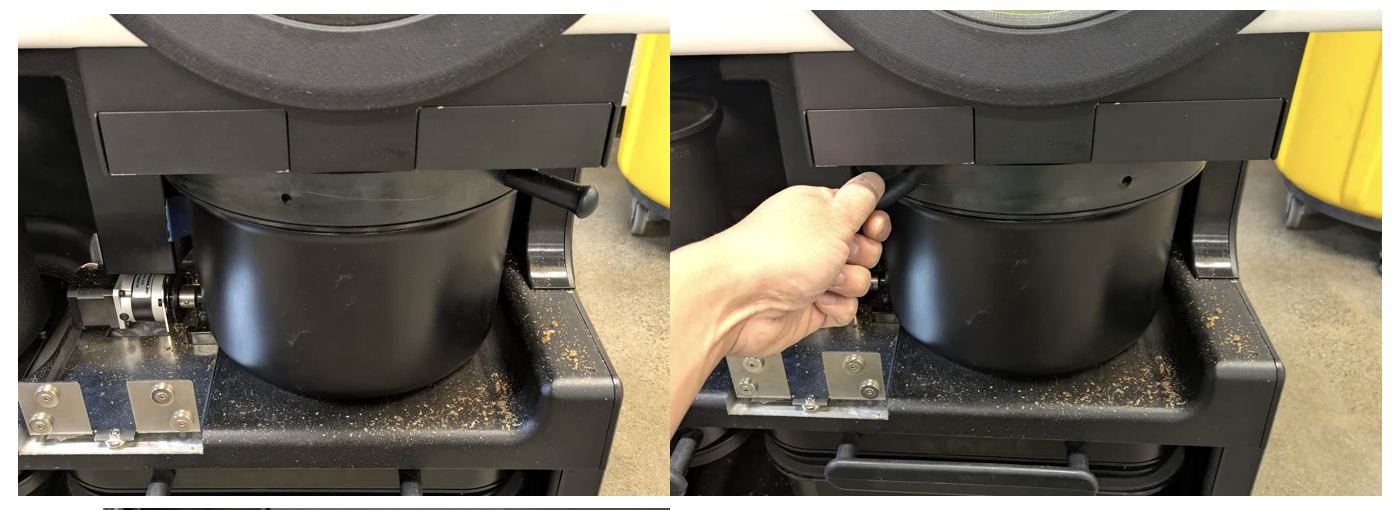
- A. Countertop: Remove the Bean Cooler and Prefilters from the unit.
B. Continuous: Remove the Valence and Prefilters. Either disconnect the Autobucket and set aside or position in a way that the base is supported while having access above.
Source: Bellwether Coffee, original article. Reproduced for owners; © Bellwether Coffee Co.
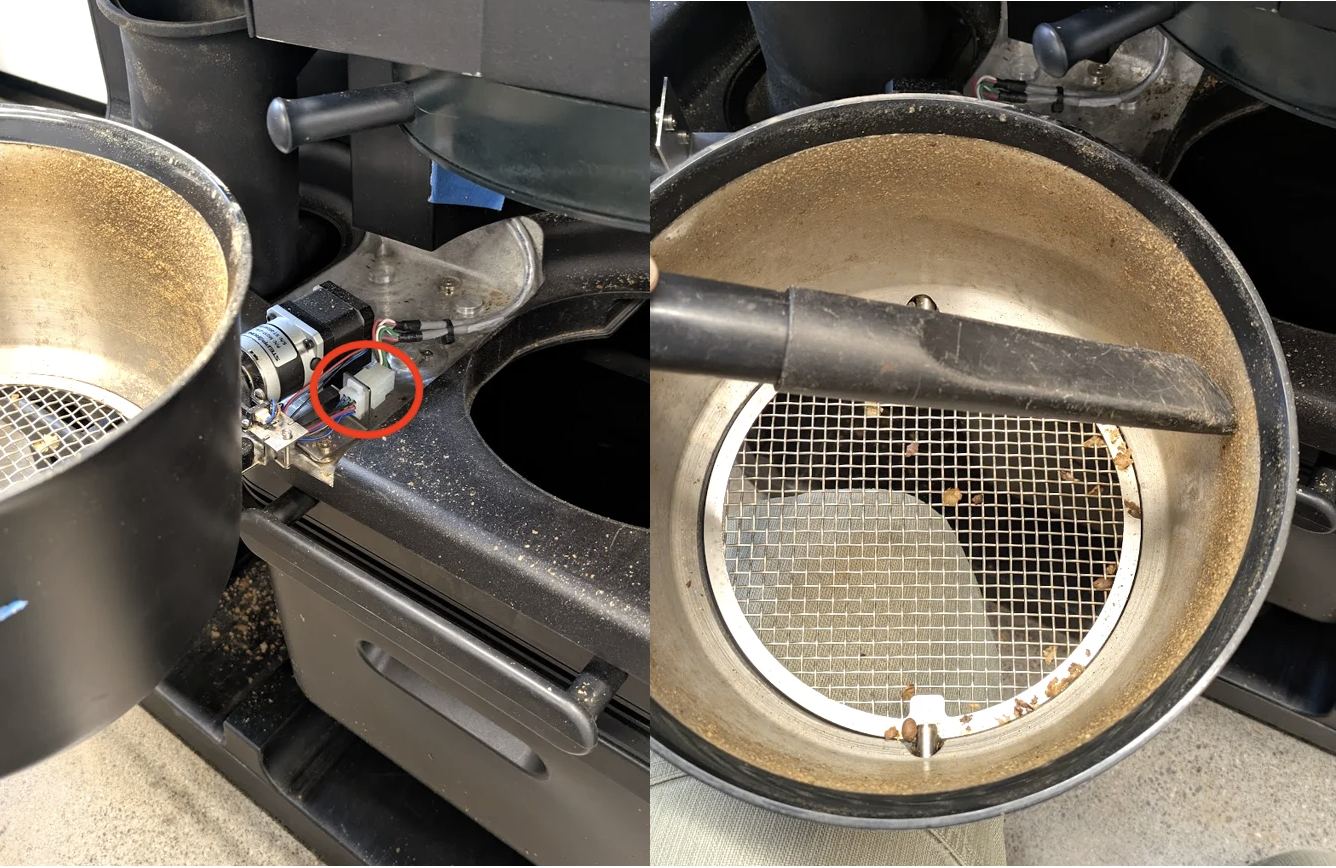
- Vacuum the internal area of the Bean Cooler.
Source: Bellwether Coffee, original article. Reproduced for owners; © Bellwether Coffee Co.
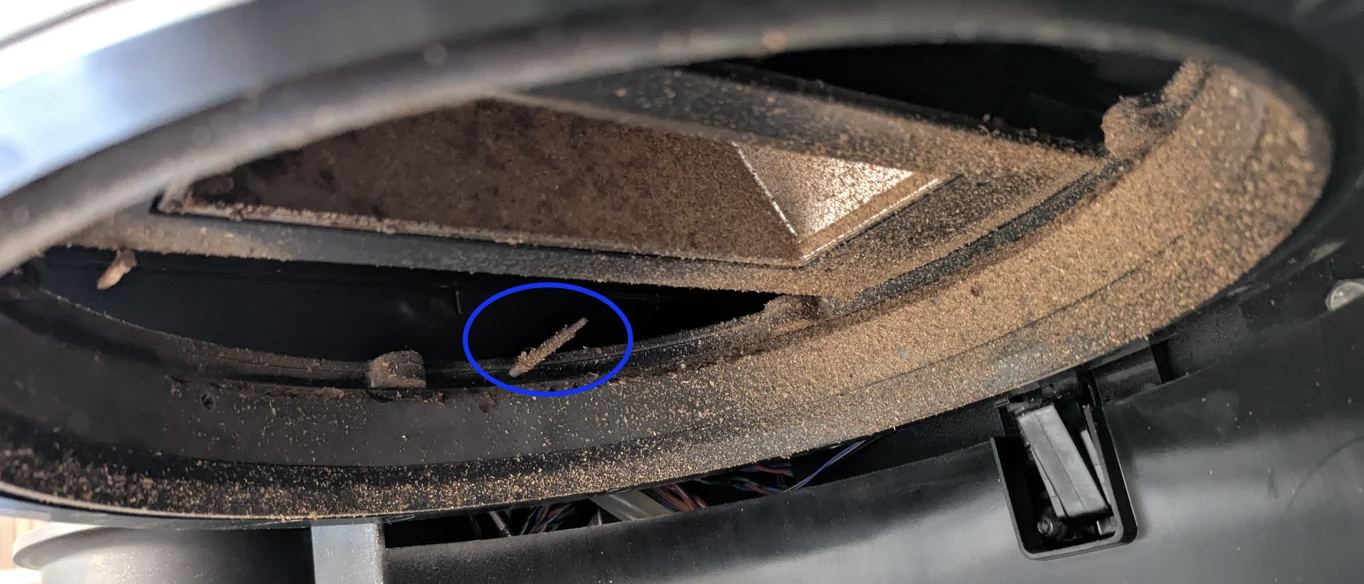
- Vacuum the area above the Bean Cooler inside of the unit. Pay particular attention to the sealing surface and to the ducts that carry air to the Cooling Bricks at the rear. Be extremely careful not to damage the Bean Cooler Temperature Probe circled in blue in the image below:
Source: Bellwether Coffee, original article. Reproduced for owners; © Bellwether Coffee Co.
- Now cleaned, refit all components.